· DataEase · Tutorials
Bulk Change Product Templates
Bulk change Shopify product templates in minutes. Export products, set command=UPDATE and templateSuffix to your theme’s suffix (e.g., featured), then re-import with DataEase.
Bulk change Shopify product templates in minutes. Export products, set command=UPDATE and templateSuffix to your theme’s suffix (e.g., featured), then re-import with DataEase.

Understand how to use Shopify metafields with DataEase. Learn about dynamic columns, field formats, update rules, and character limits.
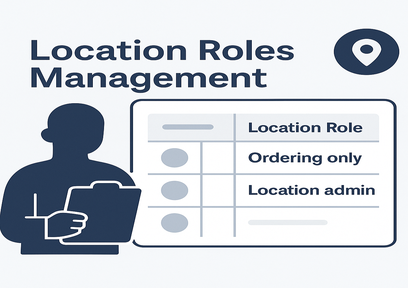
We’ve introduced location-specific roles management. Assign `Ordering only` or `Location admin` roles for contacts directly in your import files.
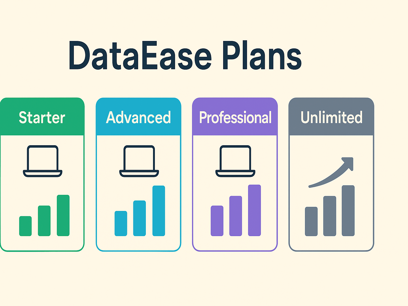
DataEase prices by rows exported per task, offering four plans-Starter, Advanced, Professional, and Unlimited-to fit stores of any size.

Every paid plan includes one free extra store for testing, and you can add up to twenty more to save money and serve more clients.
Every paid plan now includes one extra store for testing-and you can link up to twenty more at a discount.
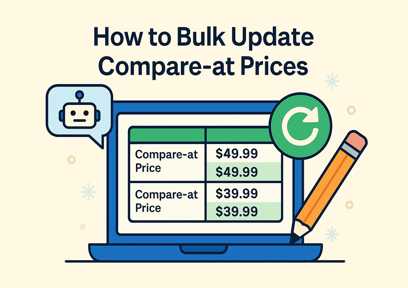
Need to run a big sale or fix incorrect pricing? This guide shows how to bulk update compare-at prices for your Shopify products using DataEase in just a few steps - no coding needed.

Explore vital tools and resources for a sleek website. From design to functionality, our guide elevates your online presence.
Learn how to export Shopify data easily with DataEase. This guide walks you through choosing formats, selecting entities, customizing fields, and downloading your export file.
This guide walks you through importing data into Shopify using DataEase-from preparing your file and uploading it, to validating and reviewing import results.