· DataEase · Changelog · 1 min read
New Filter — Inventory Locations
We’re excited to introduce a powerful way to focus your stock reports and product lists.
What’s new
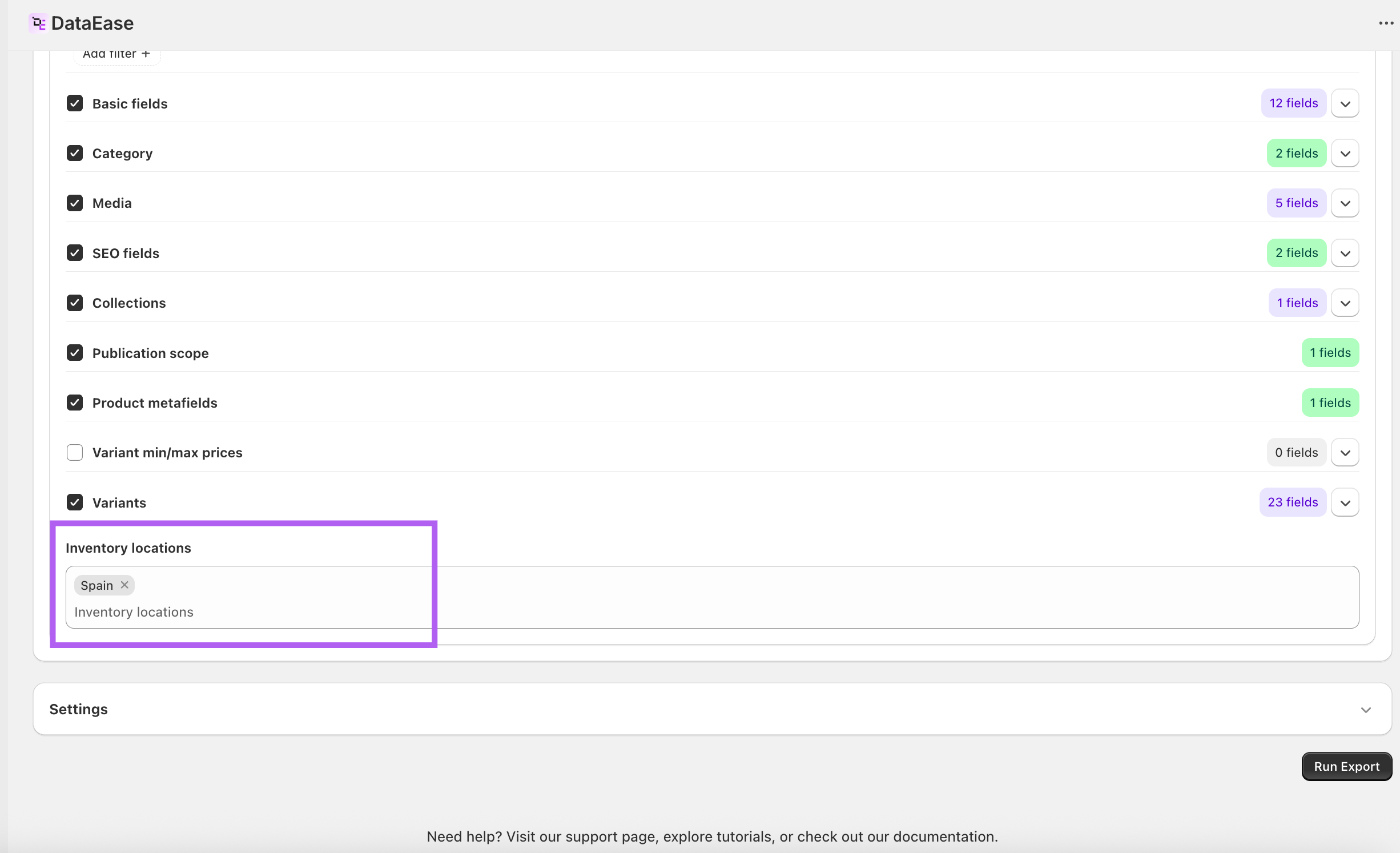
• Inventory locations filter — limit your export to one or more Shopify locations. • Works great with dynamic Inventory quantities columns (e.g., quantities: Warehouse A) to analyze on-hand stock per location.
How to use
- Go to New Export → Products.
- In Filters, set Inventory locations to the location(s) you need.
Share: